




Araknis Networks® 210 Series Websmart Gigabit Switch with Compact Design and Partial PoE+ | 8 Ports
Après commande, nous vous confirmons par e-mail votre achat ainsi que les modalités de livraison et de paiement selon nos stocks disponibles.
Bénéficiez de remises spéciales sur nos produits
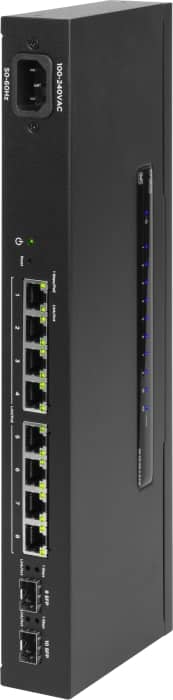
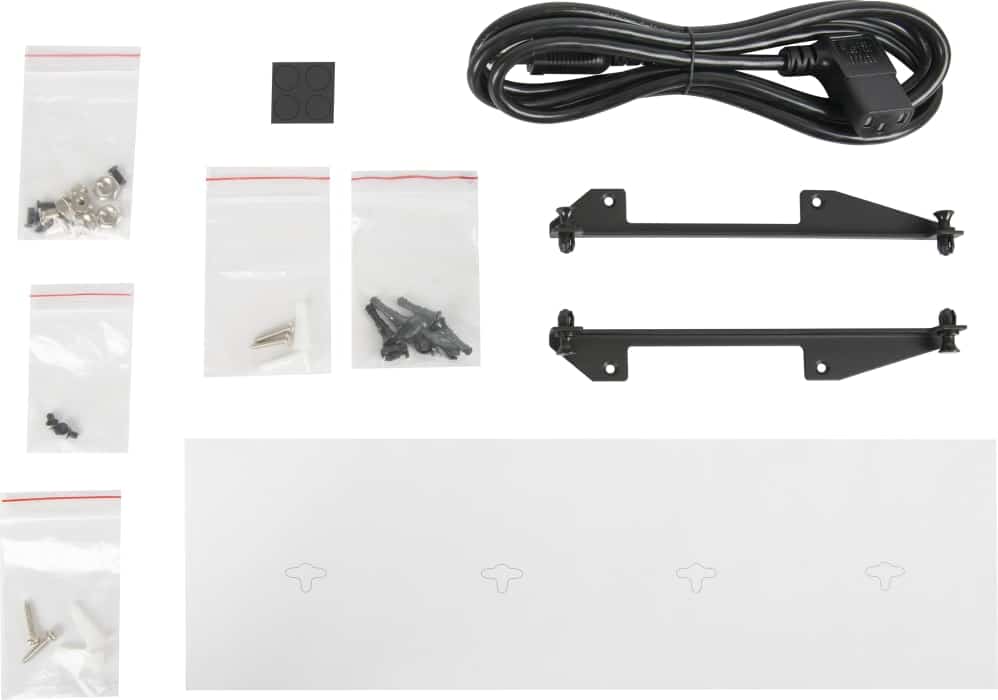
Flexible Mounting: With its compact design, you’ll have no problem installing this switch in hard to reach locations. We’ve also included tabs for a clean install and a 90-degree bend cord to help you tuck this switch away inside of a VersaBox or Wirepath Plastic Enclosure.
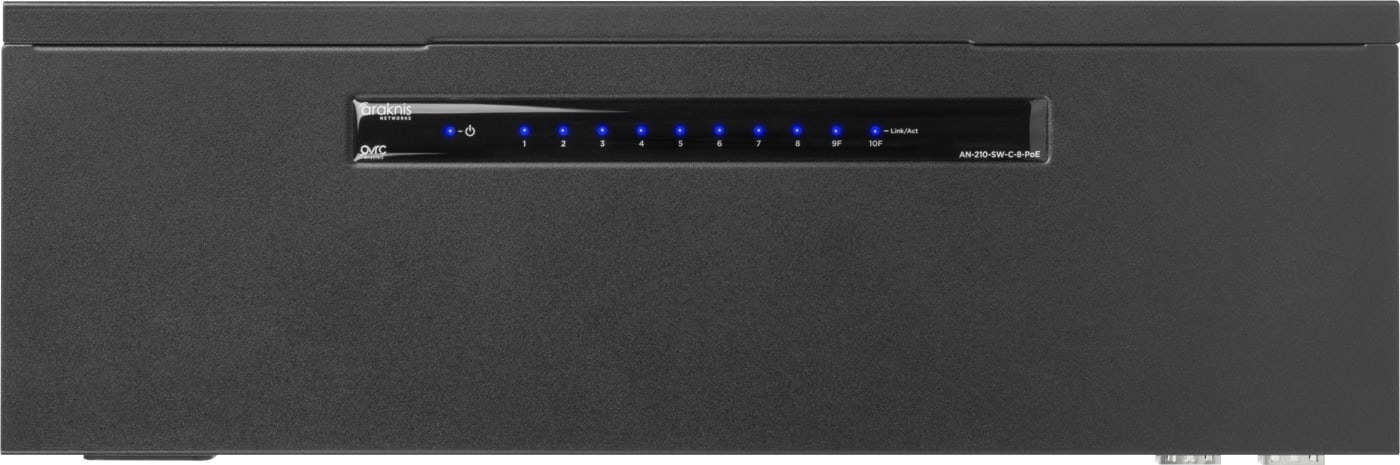
The Best of Both Worlds: The Araknis 210 Compact Switch offers the sleek form factor of the 110 Series Compact Switch with the intelligent functionality of our 210 models, including Websmart management, PoE/PoE+ ports, and SFP ports
Websmart: With Websmart, this managed switch gives the benefit of PoE/PoE+ with similar capabilities as our flagship 310 Series switches, making for the perfect balance of manageability and simplicity.
Partial PoE: When you have a job that needs partial PoE, this switch has you covered. All ports have full PoE+ capability up to 30W and provide up to 65W of PoE power, giving you an efficient switch at a modest price.
“Network in a Can”: Thanks to the additional PoE connections, you can put this switch in a VersaBox and use it to power SunBrite TVs, Luma IP cameras, C4 touchscreens and controllers, access points, and more, making it easy to create a “network in a can.”
Dual SFP Uplinks: Use this switch’s SFP ports to provide RJ45 uplinks to other devices, and/or fiber uplinks to extend the network over long distances while getting a stronger signal. Featuring a dedicated fabric, they don’t share a backplane with any other ports on the switch, which means you get a full 1 Gbps and don’t have to sacrifice a dedicated PoE port to use them (no combo ports here!).
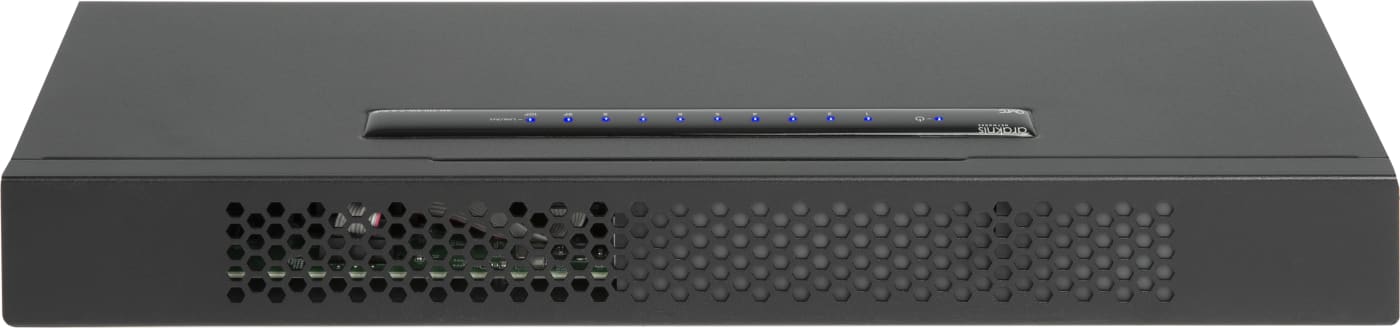
Fanless Operation: Say goodbye to noisy equipment. This switch features a completely silent operation – even though it’s powered by AC.
Control4 Driver for More Customization: Experience greater control and customization with the ability to reboot or power on/off the PoE ports or schedule power cycling for PoE-connected devices. With Control4 “Custom Experience” buttons, your clients control the ability to turn off Wi-Fi and power down IP cameras from the Control4 touch screen or mobile app. To access the driver, search for “Araknis” or “MS” in Composer.
Documents
- Port-Based VLAN Setup Guide
- OvrC Cut Sheet
- IP Network Map Worksheet
- Araknis Networks Switches Family Cut sheet
- Araknis Networks Switch Comparison Chart
- Araknis Networks Cut Sheet
- 310 Series Managed Switch Product Manual
- Araknis Networks 210 Series Managed Switches Firmware Release Notes
- Araknis Networks 210 Series Compact Network Switches Quick Start Guide